Integration & Data
Integration & Data

ERP integration, without the re-keying

When orders, stock and invoices live in the ERP and customers live in Salesforce, someone ends up copying between them. We connect the two so sales and finance work from the same record.

At a glance
Scoped and priced in
Statement of work
Works with
Salesforce and your ERP
Partner status
Salesforce Silver Partner

Where the CRM and the ERP drift apart

The two systems were usually bought at different times, for different teams. The gaps show up here.

  1. Quotes built on old numbers

    Reps price from a spreadsheet because live pricing and stock sit in a system they can't see.

  2. Orders keyed in twice

    A won deal is typed into the ERP by hand, and every copy is another chance for the order to go wrong.

  3. Two versions of the customer

    Credit status, invoices and contact details held differently in each system, so nobody fully trusts either.

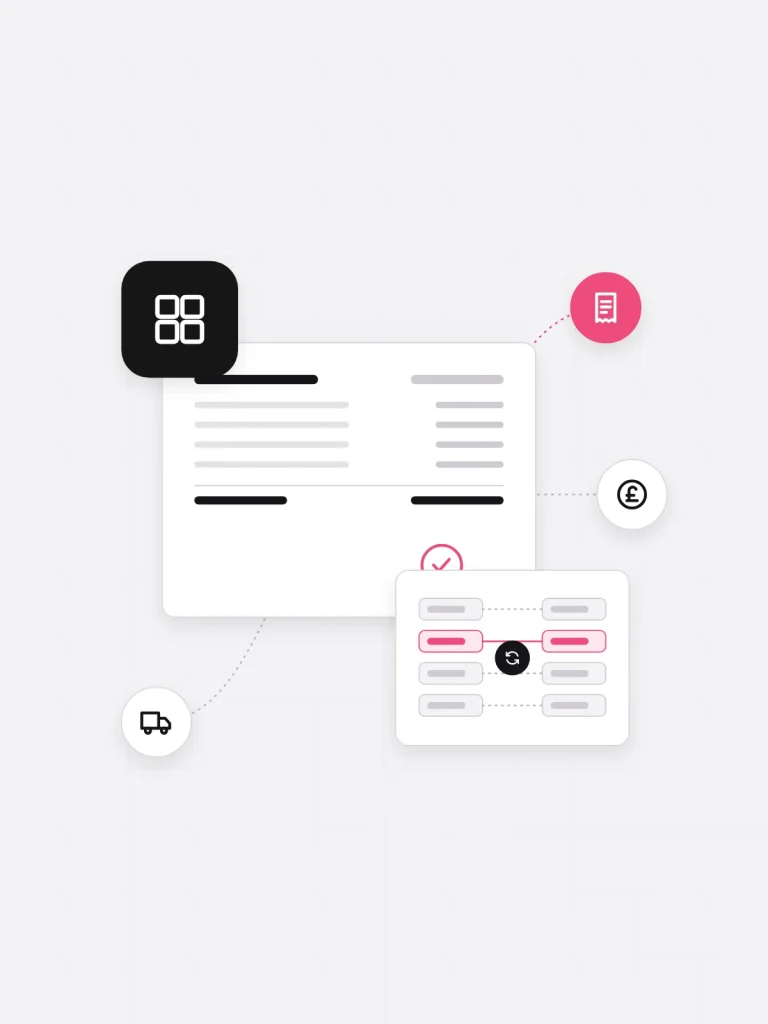
ERP stock and order data synced with an approved Salesforce quote, with invoice, delivery and pricing icons

What's included

Scoped per project. Systems and data flows are fixed in the Configuration Blue Print.

  1. Process and data mapping

    How a quote becomes an order and an invoice today, and which system should own each step.

  2. Integration design

    Objects, fields, sync direction and error handling set out in a Configuration Blue Print before build.

  3. Pricing and stock in Salesforce

    Product, price and availability data brought into the CRM, so reps quote against real numbers.

  4. Order and account sync

    Won opportunities passed to the ERP as orders, with account and invoice status sent back to sales.

  5. Testing on real processes

    The full quote-to-order process demonstrated for your team to test, with sign-off before production.

  6. Launch and support

    Training for sales and finance at go-live, then technical support once the integration is running.

Method

How an ERP integration runs

Stages follow our delivery process. Durations depend on the ERP and the processes involved.

  1. Scope

    Sales, finance and operations agree a statement of work covering solution, timeline, team and cost.

  2. Map requirements

    A workshop that walks through quote, order and invoice, producing a detailed requirements document.

  3. Design

    Record ownership, field mapping and sync rules written into a Configuration Blue Print.

  4. Build and test

    Built with regular show-and-tells, then tested end to end on real orders before production.

  5. Launch

    Teams trained, the integration pushed live, and ours on standby for user and technical support.

Technical scope

For the people who'll sign the scope off. Everything here is confirmed in requirements mapping before we quote the build.

Salesforce clouds
Sales Cloud, Service Cloud, CPQ
Typical data
Products, price books, stock, orders, accounts, invoice status
Deliverables
Requirements document, Configuration Blue Print, test sign-off, training

Questions

It depends on how your ERP shares its data. Requirements mapping finds that out before we commit to an approach or quote the build.

It depends on your process, and it's the first thing we settle. We decide ownership field by field with sales and finance, rather than assume one system wins.

Not necessarily. Many quoting problems are solved by getting live prices into Salesforce. We only recommend CPQ when your pricing rules need it.

Our team stays on standby after launch for user and technical support. After that, our Salesforce support services cover the platform for as long as you need them.

Not just as instructed

Book a free consultation

Tell us the outcome you need, and talk it through with one of our certified Salesforce consultants.