Data
Where your data gets typed twice, and how to stop it
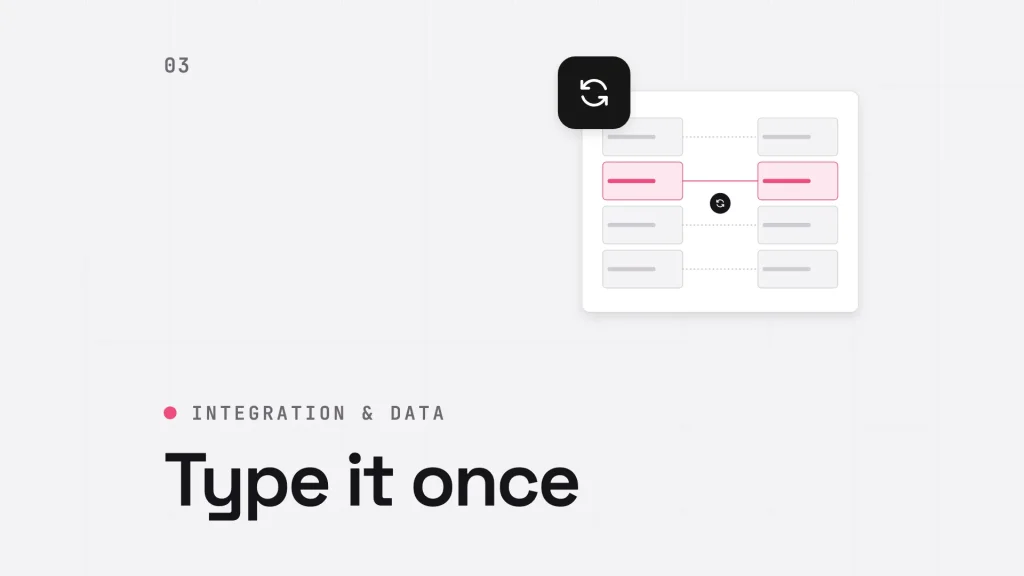
Every business has a few places where someone copies data from one system into another. An order arrives through the website and is typed into the CRM. A deal closes in Salesforce and someone enters it in the finance system. Each copy takes a few minutes, so nobody treats it as a project. Over a year it adds up to a real workload, and a steady source of errors.
Integration fixes this, but only if you integrate the right things. Here is how to find them, and how to decide what kind of integration each one needs.
Step 1: map where data is entered, not where it is stored
System diagrams show where data lives. They rarely show where people type it. Ask each team a simple question: what do you enter by hand that already exists somewhere else? Common answers include:
- orders or bookings retyped from a website into the CRM
- customer details entered in the CRM and again in the accounts package
- spreadsheets kept alongside the CRM because a report can’t be built from it
- email conversations that never reach the customer record
Each one is a candidate. Not every one is worth automating.
Step 2: decide which ones matter
Rank the candidates by what goes wrong when the copy is late or wrong. A mistyped invoice address costs more than a missing job title. A booking that never reaches the CRM means a customer your sales team doesn’t know about. Start with the hand-offs where an error reaches the customer or the accounts.
Step 3: choose the right kind of integration
There are two broad routes. Many common business applications already have a connector on AppExchange, Salesforce’s marketplace for apps. Where a system you rely on has no AppExchange option, or the app available doesn’t fit how you work, the answer is a custom API integration built for your systems.
| AppExchange app | Custom API integration | |
|---|---|---|
| Best when | A tested connector exists for the system you use | No connector exists, or your process doesn’t fit the app |
| Main work | Installing, configuring and customising the app | Designing, building and testing the integration |
| Watch out for | Default settings that don’t match your process | Keeping the integration working as both systems change |
Either way, the hard part is rarely the connection itself. It is deciding which system is the master for each piece of data, what happens when the two disagree, and who is told when a sync fails.
Before you build anything: agree which system owns each record. If a customer’s address can be changed in two places, decide which one wins. An integration without that rule doesn’t remove errors. It copies them in both directions.
Step 4: keep governance light, but don’t skip it
Data governance sounds like a large programme. For most sales and marketing teams, it doesn’t need to be. A few clear rules cover most of the risk:
- who can create and edit each type of record
- which fields must be filled in and checked before a record moves on
- how duplicates are spotted and merged
- who checks that each integration is running, and how often
The aim is data your teams can trust, without making their processes more complicated.
How Smart Group joined up its bookings
Smart Group runs corporate hospitality, catering and event management businesses. When it came to us in 2016, it had no CRM. Enquiries and bookings were managed by hand, and separate systems handled event bookings and reservations, so data did not flow between them and errors crept in.
We moved its processes onto Salesforce, with one integrated enquiry and booking system across the business units and a shared calendar that schedules events across every service. We automated invoicing, billing and customer statements, and connected SagePay for online payments and refunds. Smart Group now has one view of every event and booking, reporting across all its business units, and more secure data handling across each integration.
Read the Smart Group case study for the full picture.
Where to start
You don’t need a full integration programme to make progress. Pick the one hand-off where errors cost most, agree which system owns the data, and fix that first. Then use what you learn to choose the next one.
See how we approach Salesforce integration and data.
Next step
If your team is copying data between systems, tell us where it happens. We will help you work out which integration would make the biggest difference.