Integration & Data
Integration & Data

Salesforce, connected to everything else

When Salesforce sits apart from the rest of the business, people re-key data and stop trusting the records. We connect it to your internal systems so every team works from the same numbers.

At a glance
Scoped and priced in
Statement of work
Works with
Sales Cloud, Service Cloud
Partner status
Salesforce Silver Partner

Where disconnected systems cost you

The CRM itself usually works. The trouble starts at the edges, where it meets everything else.

  1. Data typed in twice

    Orders, accounts and contacts re-keyed between systems, with errors creeping in every time.

  2. Records that disagree

    Sales, finance and operations each hold a different version of the customer, and nobody knows which is right.

  3. Connections nobody owns

    Links built up over the years, undocumented, and failing quietly when something upstream changes.

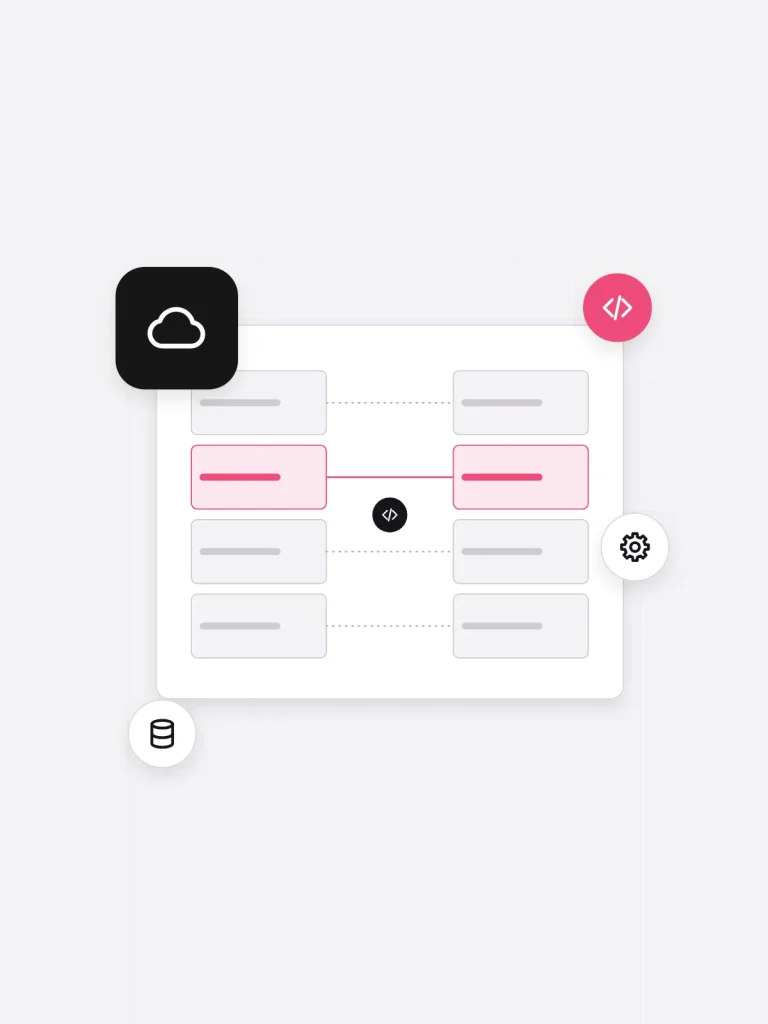
Salesforce records synced with another business system through an API connection

What's included

Scoped per project and fixed in the Configuration Blue Print before we build.

  1. Systems and data mapping

    Every system, object and field involved, who owns it, and which way the data should flow.

  2. Integration design

    Field-level and technical detail set out in a Configuration Blue Print and signed off before build starts.

  3. Build and configuration

    Connections built in a sandbox, with regular show-and-tells so you can see progress and give feedback.

  4. Legacy data migration

    Records moved cleanly from legacy systems, checked and de-duplicated before they reach Salesforce.

  5. End-to-end testing

    The whole process demonstrated for your team to test, with feedback worked in and sign-off before production.

  6. Launch and support

    Training for your team at go-live, then technical support once the integration is running.

Method

How an integration project runs

Stages follow our delivery process. Durations depend on how many systems are involved.

  1. Scope

    Stakeholders across the business agree a statement of work covering solution, timeline, team and cost.

  2. Map requirements

    An interactive workshop that produces a detailed requirements document for every system involved.

  3. Design

    Objects, fields and data flows written into a Configuration Blue Print for sign-off.

  4. Build and test

    Built with regular show-and-tells, then tested end to end by your team before production.

  5. Launch

    Your team trained, the integration pushed live, and ours on standby for user and technical support.

Technical scope

For the people who'll sign the scope off. Everything here is confirmed in requirements mapping before we quote the build.

Salesforce clouds
Sales Cloud, Service Cloud, Experience Cloud, Field Service Cloud, Marketing Cloud, CPQ
Connects to
Internal business systems, legacy databases and AppExchange products
Data
Legacy migration, de-duplication and field mapping
Deliverables
Requirements document, Configuration Blue Print, test sign-off, training

Questions

Yes. Custom API integration for platforms the AppExchange doesn't cover is one of our Salesforce services. Requirements mapping finds out how the system shares its data before anything is built.

It can, which is why we check. Scoping covers data volumes and how often records need to sync, and the design is sized to what your edition allows.

Yes. Clean migration from legacy systems is part of how we deliver Salesforce, and running it alongside the integration means records arrive once, in the right shape.

Our team stays on standby after launch for user and technical support. After that, our Salesforce support services cover the platform for as long as you need them.

Not just as instructed

Book a free consultation

Tell us the outcome you need, and talk it through with one of our certified Salesforce consultants.