Paid search · Campaign reporting
VeryPC: lead scoring and campaign ROI you can measure
Account Engagement set up and joined to Sales Cloud, with scoring and grading, branded email templates and campaign reporting.
For businesses with many branches, sites or franchises. One account structure, budgets set per location, and reporting that shows which sites are winning work and which need help.
Running one location well does not scale by copying it. These three problems tend to arrive together.
Overlapping targeting puts neighbouring locations in the same auctions, pushing up each other's costs.
Every site gets the same share, while one is turning work away and another is quiet.
Results are reported for the whole account, so nobody can see which sites the spend is helping.
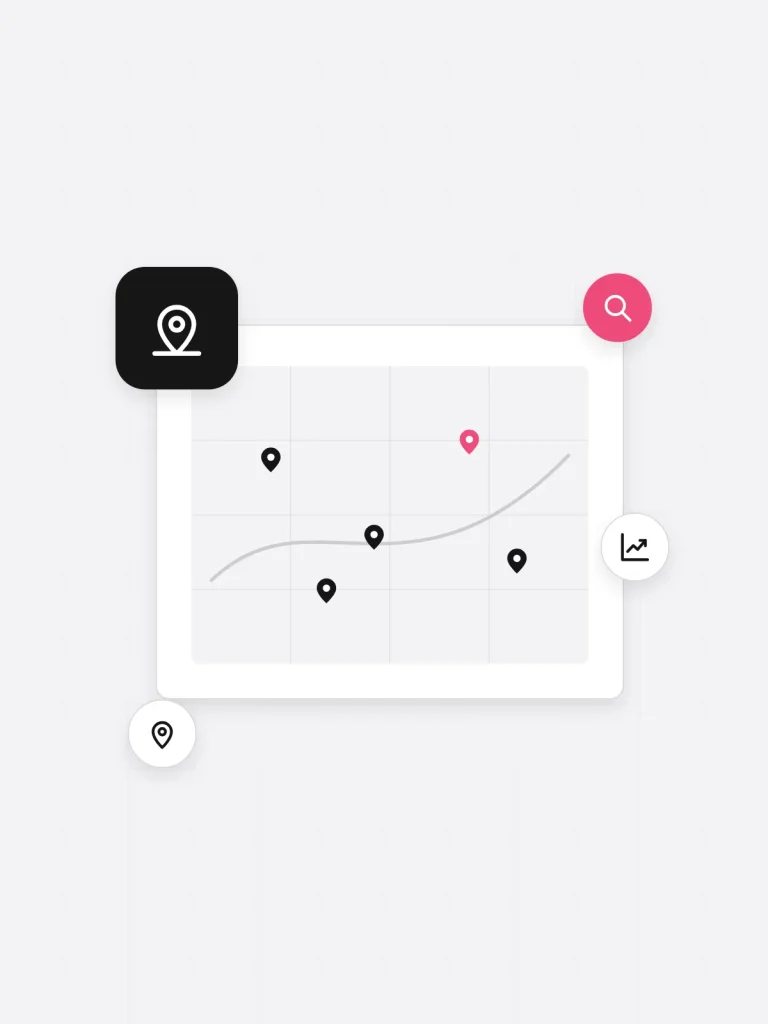
Scoped to your locations at the start. You choose which of these you need.
Targeting, budgets and keywords mapped site by site, to find where locations overlap and spend is wasted.
One structure that scales, with a campaign per location and shared rules that stop sites competing.
Landing page templates that show the right address, services and contact details for each site.
Clear rules for moving spend towards locations with capacity, reviewed on an agreed schedule.
Enquiries recorded against the right location in Salesforce, so results are counted site by site.
One view for head office and one for each site manager, both built on the same numbers.
Stages follow our standard delivery process. Timings depend on your number of locations.
Locations, goals and budget agreed, then set out in a statement of work.
A site-by-site audit and workshops with head office and location managers.
The new structure built for a small group of pilot sites and checked end to end.
The remaining locations moved across in planned groups, with checks after each one.
Team training and handover, then regular reviews of budget by location.
For whoever signs the scope off. Each row is confirmed at scoping, before we quote.
Account Engagement set up and joined to Sales Cloud, with scoring and grading, branded email templates and campaign reporting.
We look at this during scoping. If a multi-location structure is not worth it for your business yet, we will tell you.
That is your call. At scoping we agree who sets budgets, who approves changes and what each location manager can see.
That is the aim. We are a Salesforce Silver Partner, and connecting your systems is part of the work.
Yes. Reporting is built per location as well as account-wide, so each manager sees their site and head office sees the whole picture.
Not just as instructed
Tell us the outcome you need, and talk it through with one of our certified Salesforce consultants.